Access the Warranty Form
Choose a convenient way for you and your customers.

How Customers Can Access the Warranty Form

Your customers can register their product warranties through multiple entry points — whichever way works best for your brand and audience. Whether it's scanning a QR code, clicking a link in chat, or registering directly from your app, WiNG makes it seamless.

Let’s walk you through all the options

Main Pages You Can Link To

WiNG provides three main pages that you can share, embed, or link from anywhere:
Home Page
You want a clean all-in-one landing.
URL example: https://wing-warranty.web.app/a/{shop id}
Includes two main buttons:
• Register a Product
• Check Registration Status
Great if you want to give customers both options in one place.
Registration Page
You want quick direct registration.
URL example: https://wing-warranty.web.app/a/{shop id}/add
Takes users straight to the registration form.
Perfect for fast access from QR codes, chat menus, or your app.
Check Page
You want customers to check their info.
URL example: https://wing-warranty.web.app/a/{shop id}/checkwarranty
Lets customers look up their warranty status.
Ideal for support follow-ups or stores that handle the registration on behalf of the customer.

Multi-Channel Access

Seamless ways for your customers to access the warranty registration form — designed for convenience, flexibility, and smooth experiences. You can link to any of the above pages through these flexible access points.
QR Code
QR Code on Product or Warranty Card
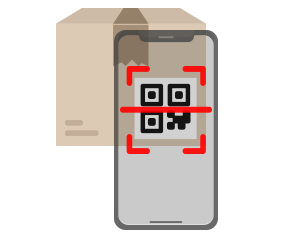
Customers can scan a QR code printed on the product, warranty card, or receipt to access the registration form instantly.
Web Link
Direct Access via Web Link
Let users open the form directly from a unique URL under your WiNG domain — no installation or setup needed.
Embedded
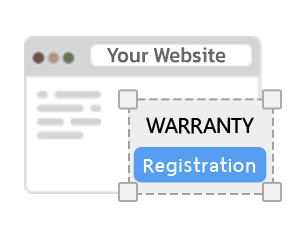
Embedded Form on Your Website
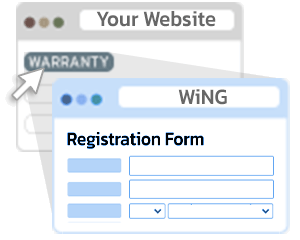
Easily embed the registration form on your own website using a provided code snippet. Fully responsive for both desktop and mobile.
Chat Platforms
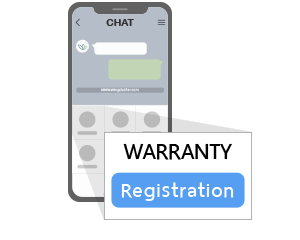
Menu Integration in Chat Platforms
Add the form to chat app menus like LINE OA, Facebook Messenger, or WeChat Custom Menu — so customers can access it right from your conversation window.
Social Media
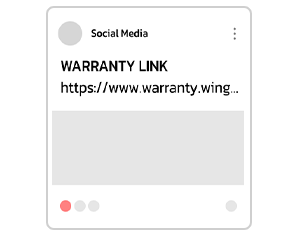
Social Media Link Sharing
Share the form link via social media platforms like Facebook, Instagram, or Chat Messenge to encourage customer registration through real interactions.
WebView in App
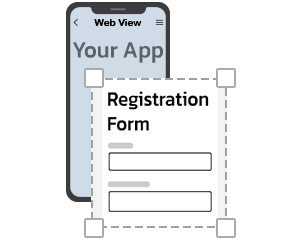
In-App Link or WebView
Open the registration form from inside your mobile app using a direct link or WebView, optimized for mobile screens.
Kiosk
Kiosk Integration
Set up a tablet or touch screen kiosk in-store to let customers register products on the spot — either by scanning or filling out the form at checkout.
IoT or SDK-Based
IoT or SDK-Based Integration
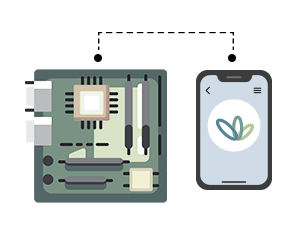
Enable registration via IoT devices (like Arduino) or integrate with your own systems using our SDK or REST API.